Website maintenance and security are essential for any business or individual who owns a website....

Importance of website maintenance and security
read more

Blog
Website maintenance and security are essential for any business or individual who owns a website....

Responsive web design is a critical element of building a successful online presence. With the...

Using a CMS (Content Management System) for website design has various benefits that make it the...



£16.99
I built this because I got tired of losing track of leads in one tab, invoices in another, and care plan renewals on a sticky note I’d inevitably forget about.
The Web Designer Business OS is a Notion system built for freelance and small studio web designers, the people juggling new leads, live projects, and ongoing care plans all at once.
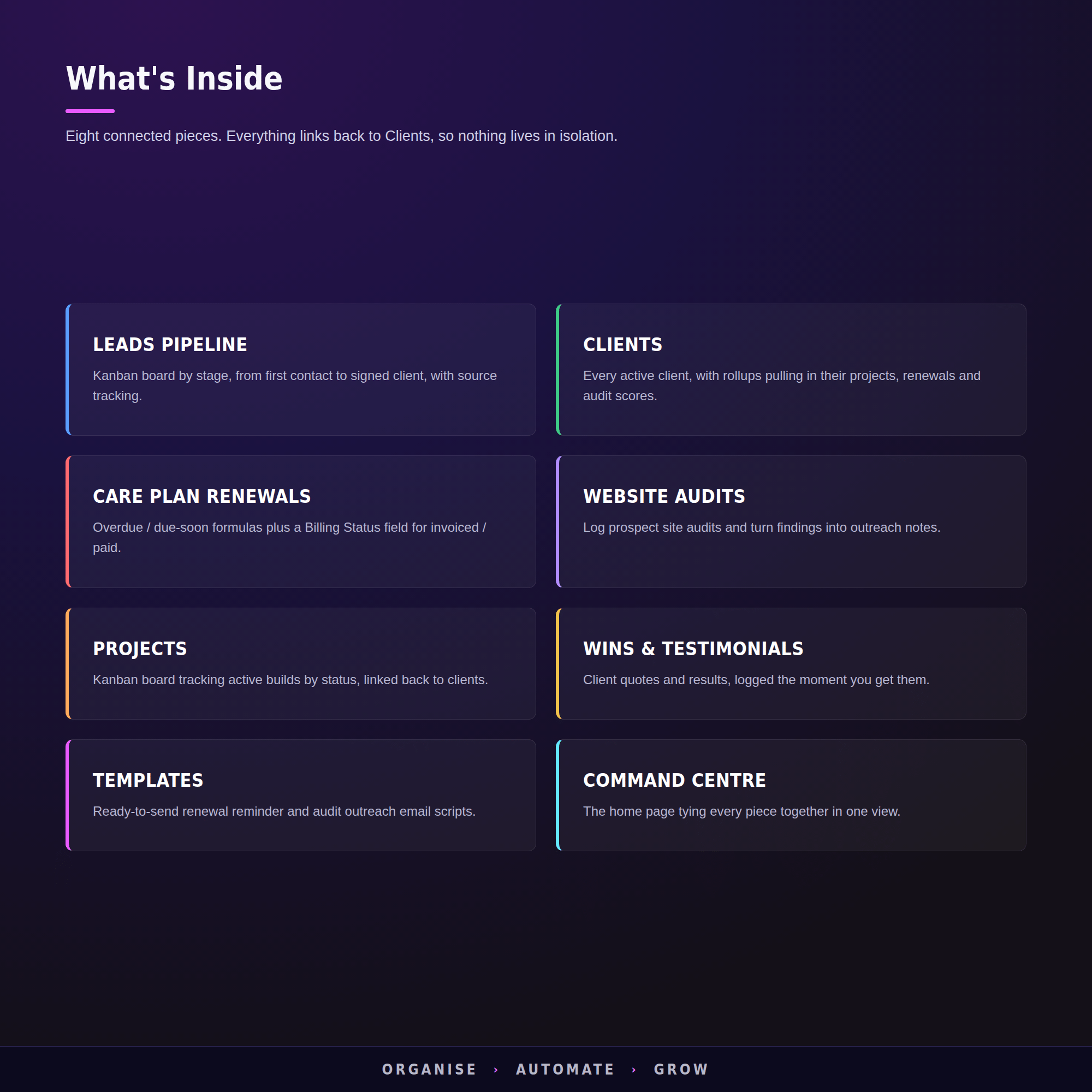
It’s eight connected pieces, and everything links back to your Clients database so nothing sits off on its own:
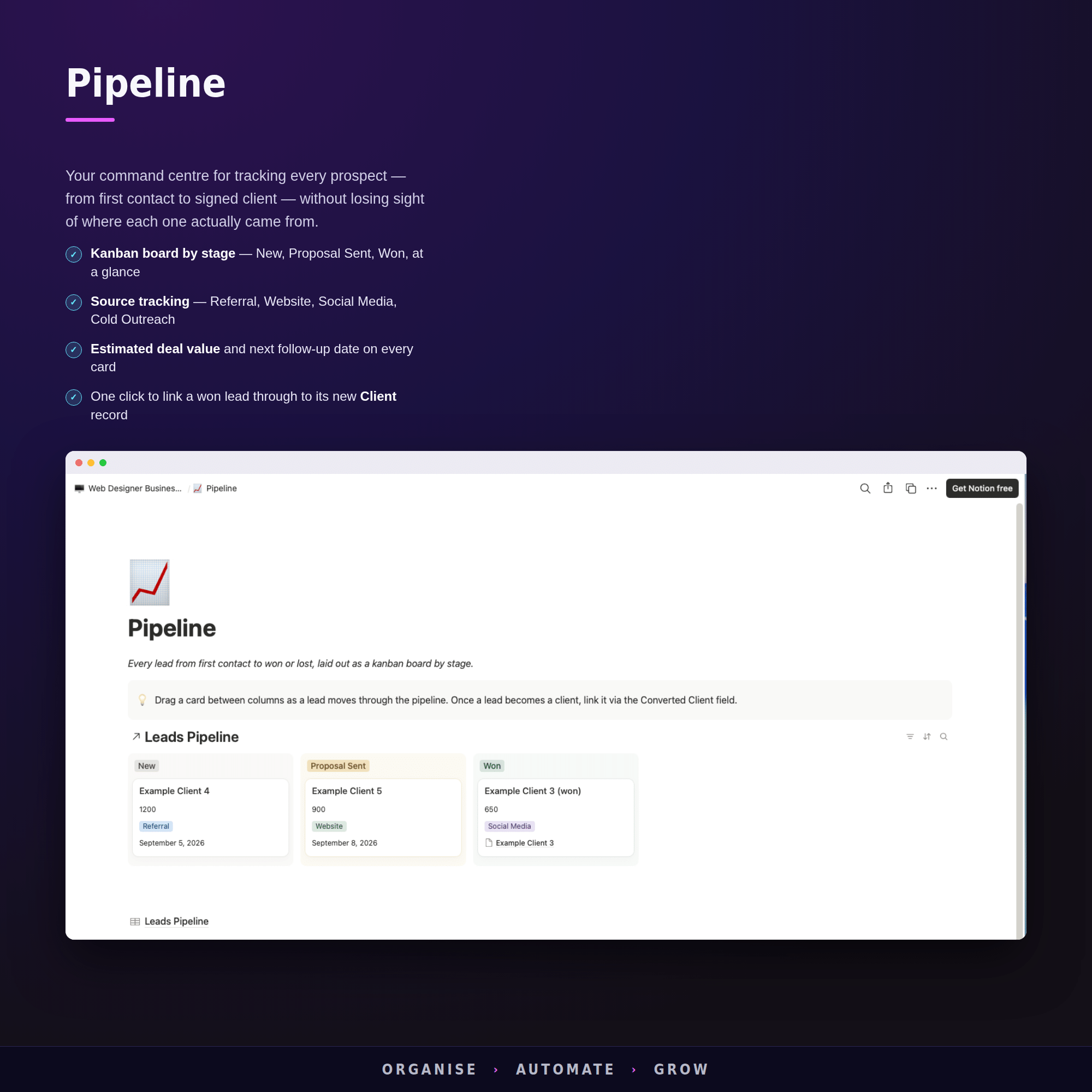
Leads Pipeline: A kanban board tracking every prospect from first contact to signed client, with source tracking so you know where your best leads actually come from.
Clients: Every active client in one place, with projects, renewals, and audit history pulled in automatically.
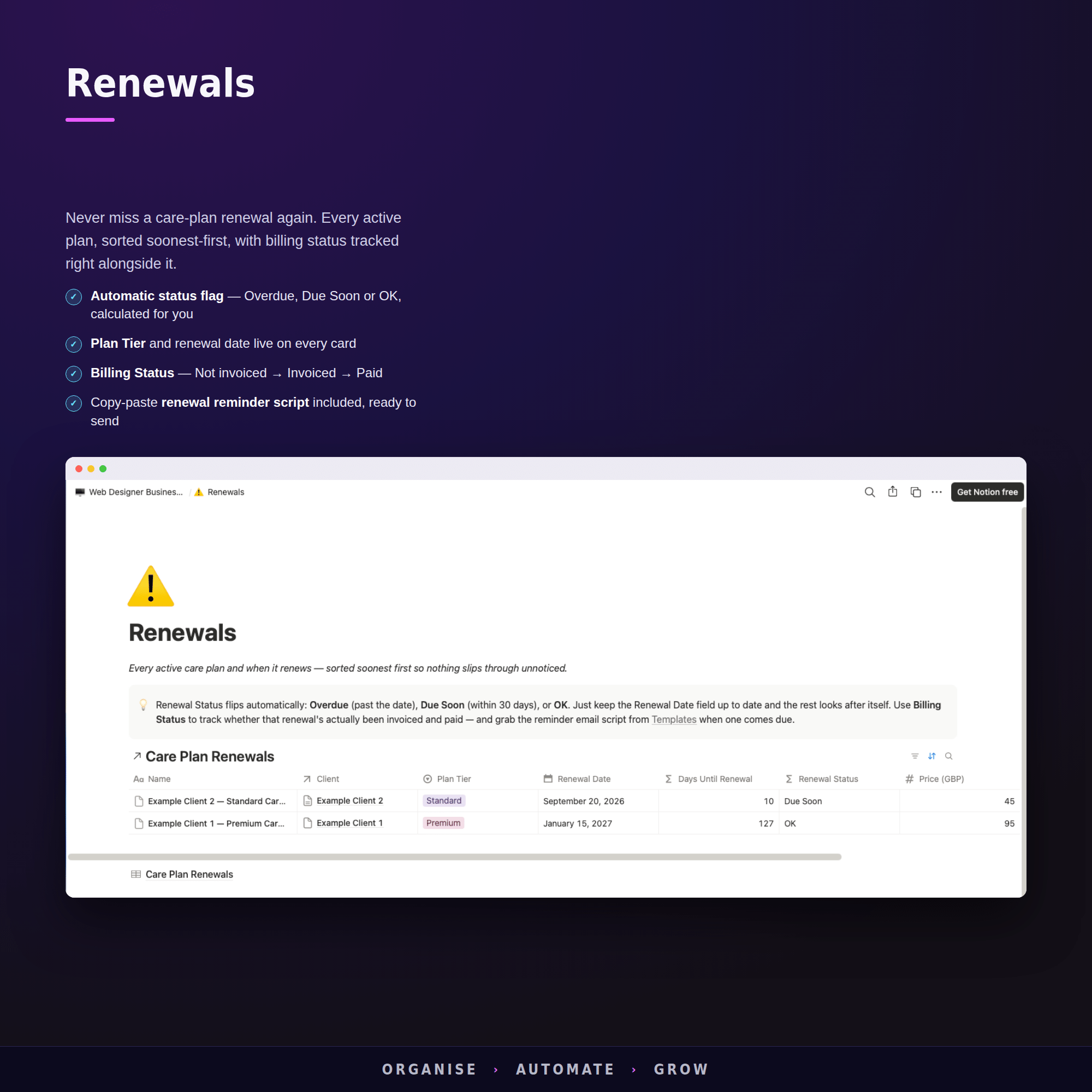
Care Plan Renewals: The piece most templates skip. Every active care plan, sorted by what’s due soonest, with an automatic Overdue / Due Soon / OK flag and a billing status field so you know what’s been invoiced and what hasn’t.
Website Audits: Log prospect site audits and turn what you find into outreach notes.
Projects: A kanban board for active builds, linked back to the client it belongs to.
Wins & Testimonials: Log client quotes and results the moment you get them, before you forget.
Templates: Ready-to-send renewal reminder and audit outreach scripts, so you’re not writing the same email from scratch every time.
Command Centre: The home page. Renewal risk, pipeline status, and your weekly focus list, updating itself as you fill in the databases below it.
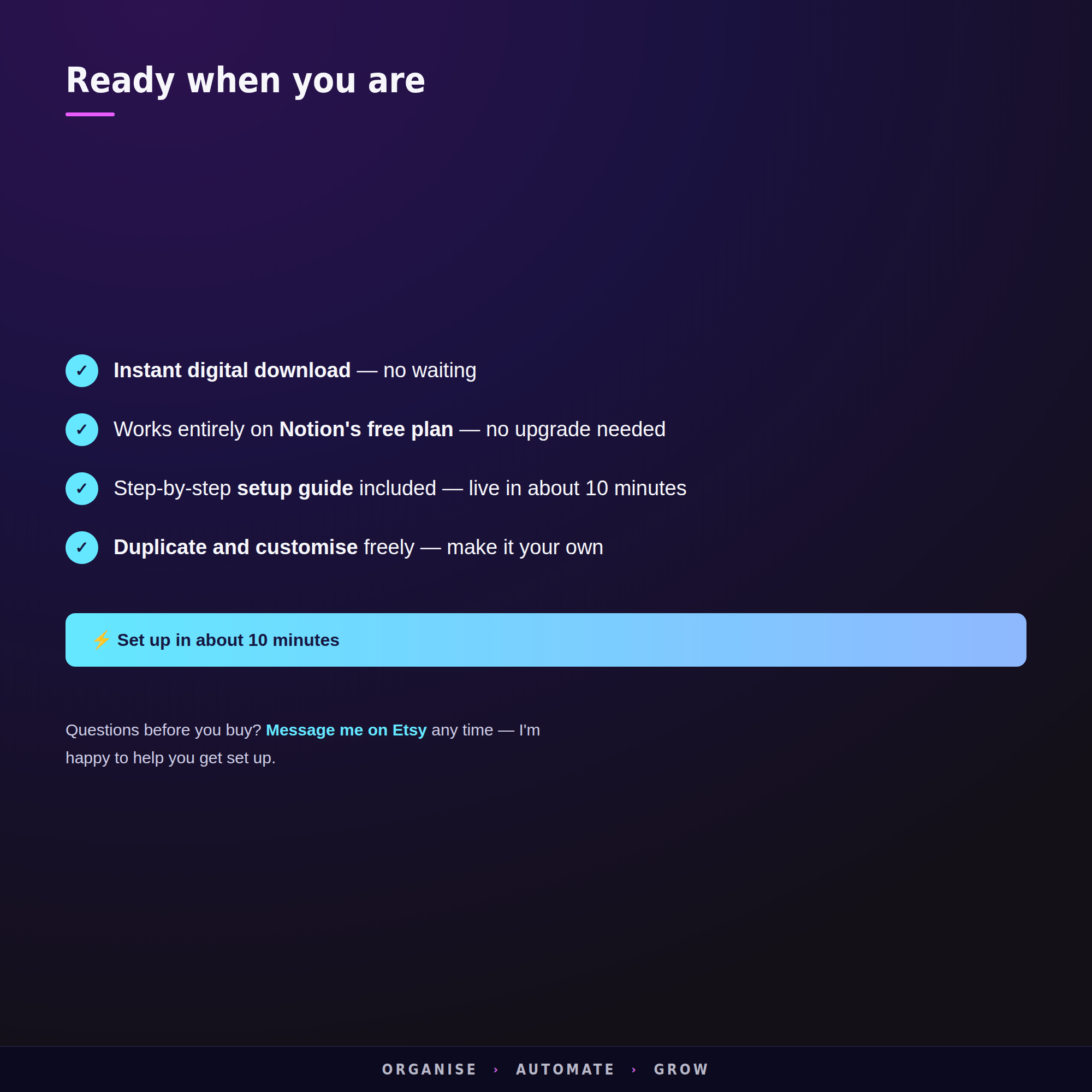
It runs entirely on Notion’s free plan, so no upgrade needed, ever.
It’s a duplicate-and-go template: click the link, hit duplicate, and you’re customizing your own copy within a couple of minutes.
A step-by-step setup guide comes with the download, so even if you’ve never built anything in Notion before, you’ll have it running in about ten minutes.
What you get:
Instant digital download (Notion template + PDF setup guide).
Works on Notion’s free plan.
Fully duplicable and customizable, to make it yours.
Setup guide with screenshots.
HOW THIS WAS MADE
Created by Riffwave Digital Studio with the assistance of AI tools. All content has been reviewed and edited by me.